Guide

Thread Photo Downloader

Threads Photo Downloader is a free web-based tool that helps to save photos posted on Threads. It doesn't require sign up, premium subscription, or any installation.

01 / Overview11 sections

You can download threads images without watermark. Moreover, it allows you to save carousel posts, GIFs, and high quality videos with multiple formats and qualities on mobile and desktop. It's a perfect option to save infographics, images, and videos for informational and educational purposes.

It's a reliable and user-friendly tool that features one tap download. You just need to paste the media URL, choose your format and hit the download button to save successfully.

02

What is Threads Downloader?

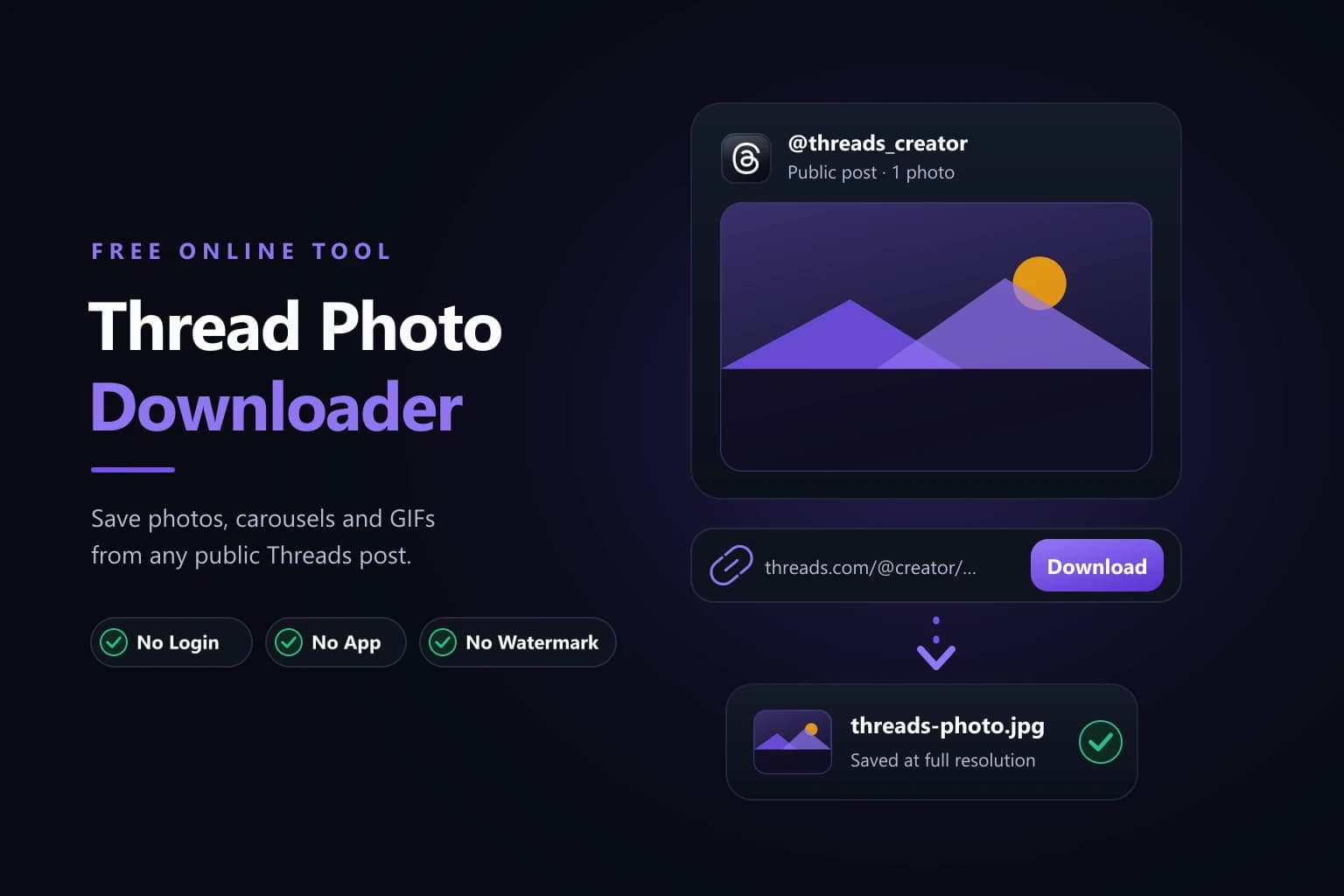
Thread Photo Downloader interface with a Threads post link pasted into the URL bar and a photo ready to save as a full-size JPG
02 — What is Threads Downloader?

Due to strict policies, Threads limits users from downloading media into their local storage. Still the need of saving media into device galleries arises for convenient offline access. If you're one of the users who wants to download Threads photos, videos, GIFs, and carousel posts. You can try our free Threads Downloader. It's an online, easy-to-use tool that allows you to save your favorite posts at fingertips.

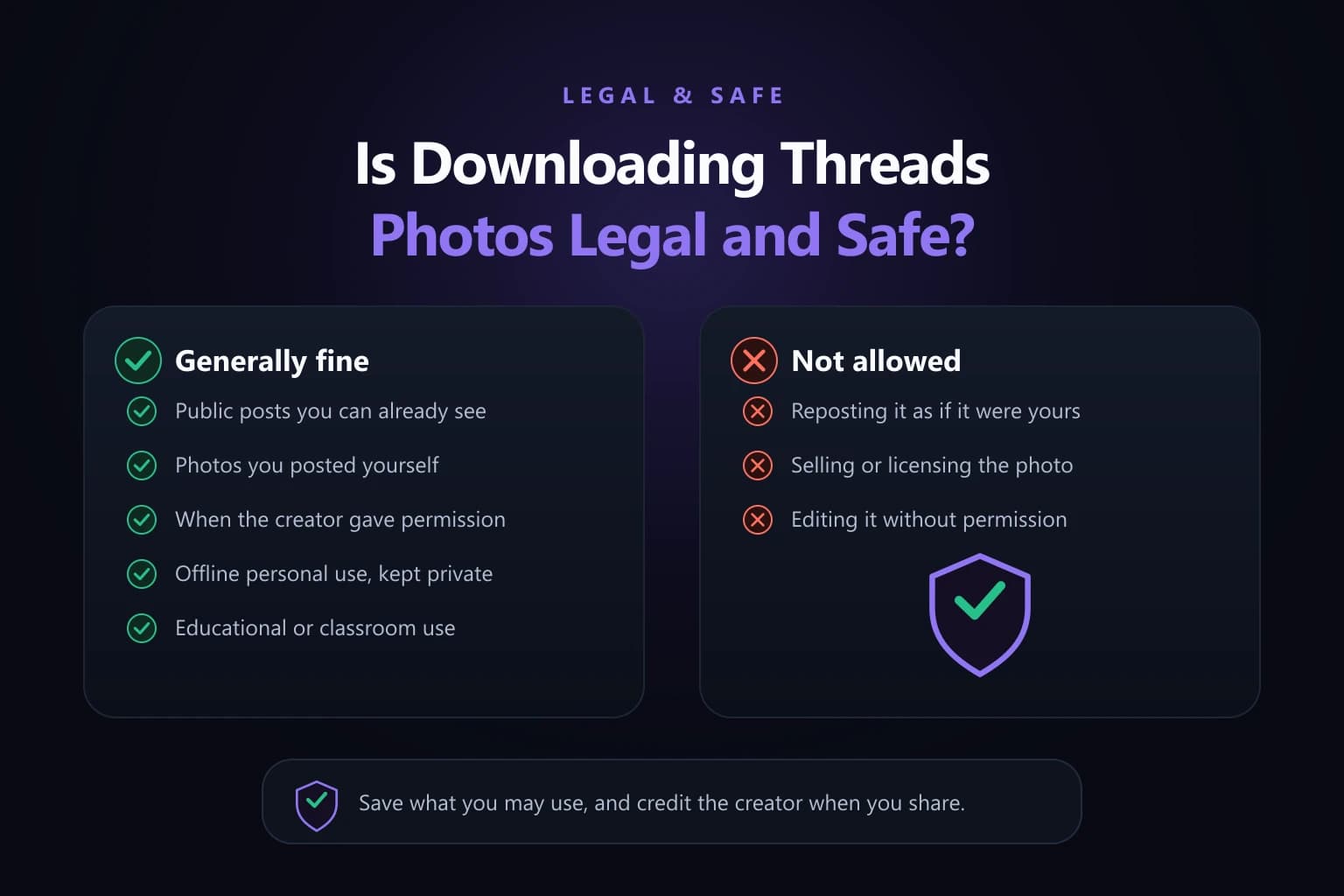
Where the threads media is only available for in-app viewing, it helps you to save it into your device. It works by copying a public URL, pasting it into the tool, choosing quality and format to download media successfully. You can access media to stream offline for fun and learning. Besides this, you should always respect copyright, privacy, and creator rights.

03

Download Threads Photo Without Login or Installation 2026

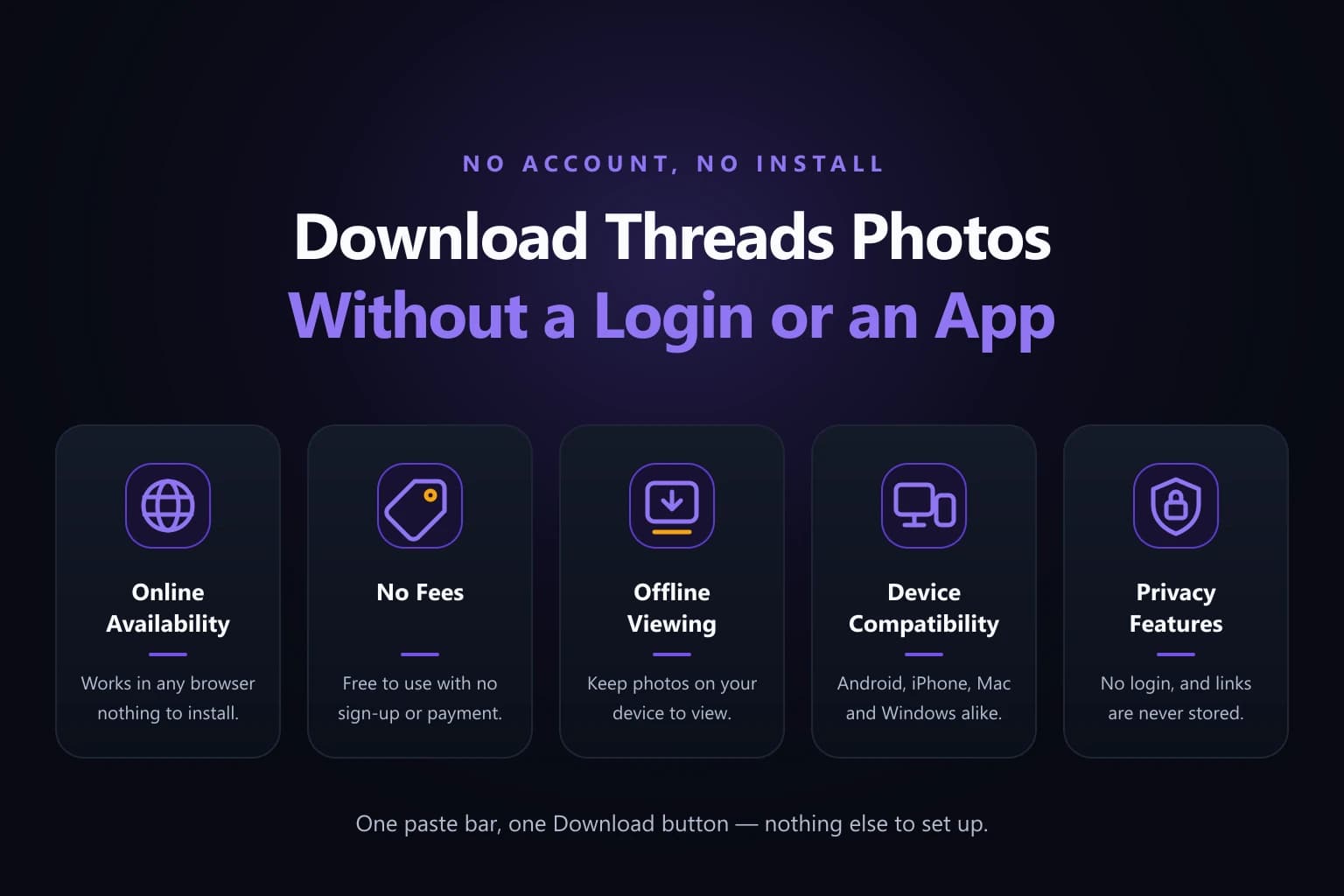
Five reasons a Threads photo download needs no login: online availability, no fees, offline viewing, device compatibility and privacy features
03 — Download Threads Photo Without Login or Installation 2026

Now you can download Threads Images by using this trusted tool. It operates smoothly to save media instantly without account login or any complex setup. Moreover, it ensures seamless fun and stress-free experiences among users with tons of exciting features such as;

  • 01Online Availability: Threads Picture Downloader is now available online helping you to save content without logging in or installing any software.
  • 02No Fees: You don't need any fees or hidden charges to use this tool for saving desired content.
  • 03Offline Viewing: It ensures a fun-filled experience for threads users allowing them to save their favorite posts and images to access anytime with or without internet.
  • 04Device Compatibility: You can access it on any device such as phones, tablets, Windows PCs, or Mac computers without limits.
  • 05Privacy Features: We never ask you to tap on suspicious links, input sensitive information, or download any third-party application for using this tool.
043 steps

How to Download Photos from Threads? (Step-by-Step Guide)

You can follow the easy guide mentioned below to save threads photos effortlessly.

  1. Step 01

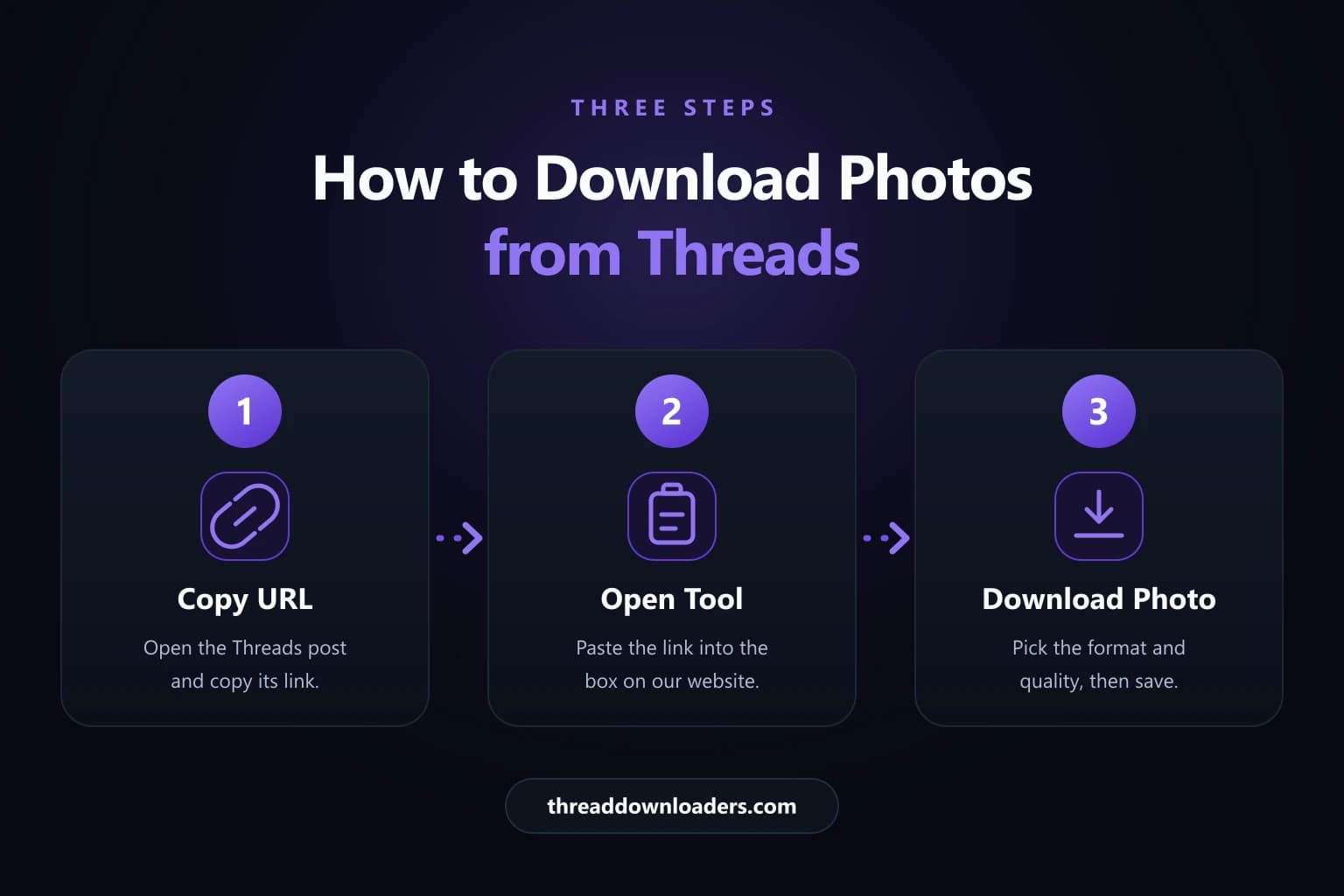
    Step 1: Copy URL — Visit the Threads app. Select your favorite photo and copy its URL.

  2. Step 02

    Step 2: Open Tool — Open your browser and visit the Threads Downloader tool. Input the link into the tool.

  3. Step 03

    Step 3: Download Photo — Choose format and quality of media. Tap the download button to save.

Three numbered steps to download a Threads photo: copy the post URL, paste it into the tool, then choose format and download
04
05

How to Download Threads Photos on Mobile?

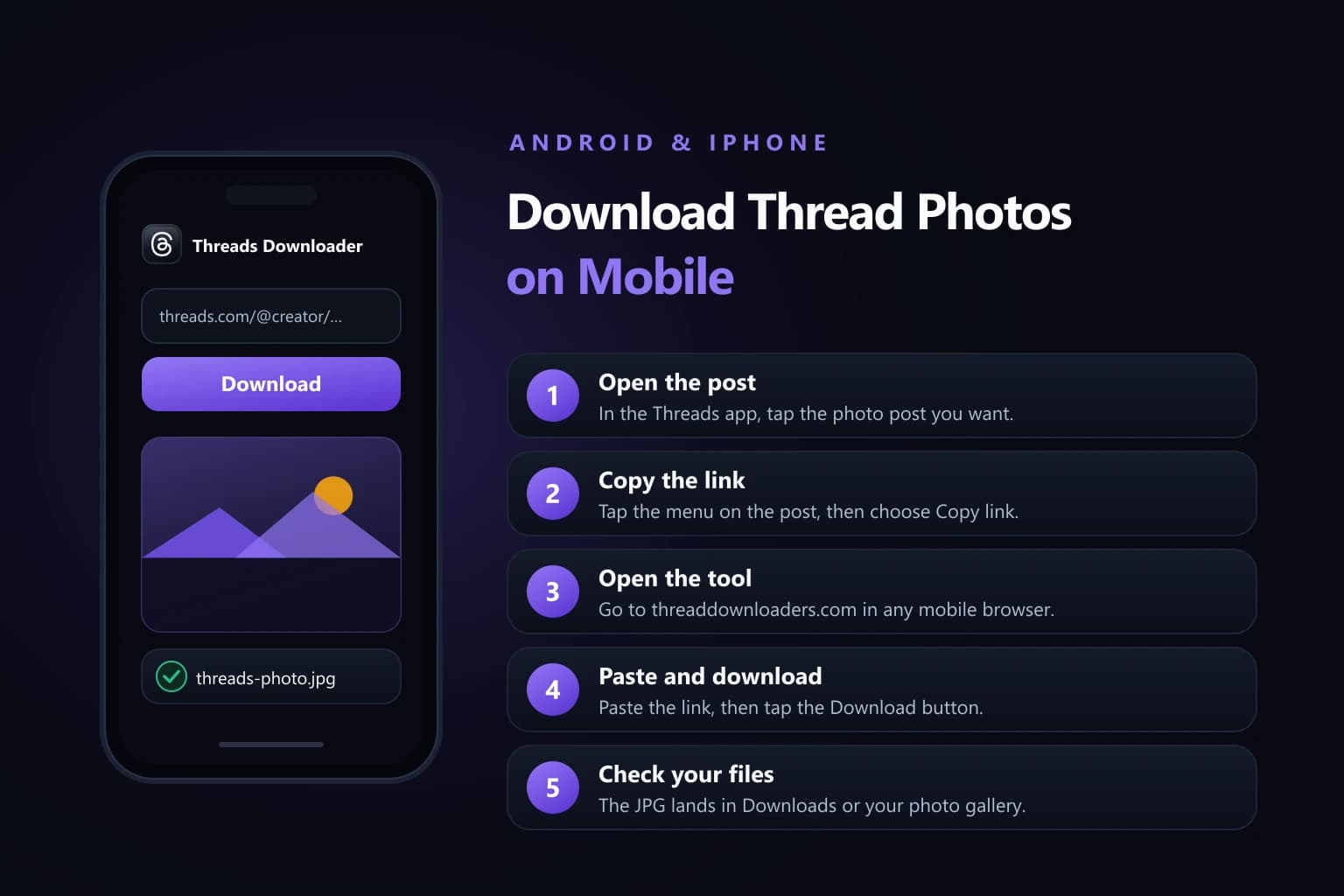
Phone mockup of the Threads photo downloader in a mobile browser beside five numbered steps for Android and iPhone
05 — How to Download Threads Photos on Mobile?

Saving a Threads photo on a phone takes the same three moves, straight from the mobile browser.

  • 01Open Threads application on your iOS and Android device.
  • 02Choose your favorite post, tap on share icon to copy its link.
  • 03Visit your browser and search for threads Downloader.
  • 04Visit our website and paste the URL.
  • 05The tool will process the link and generate video, tap the download button to save it into your phone's internal storage.
06

How to Download Thread Photos on PC or Desktop?

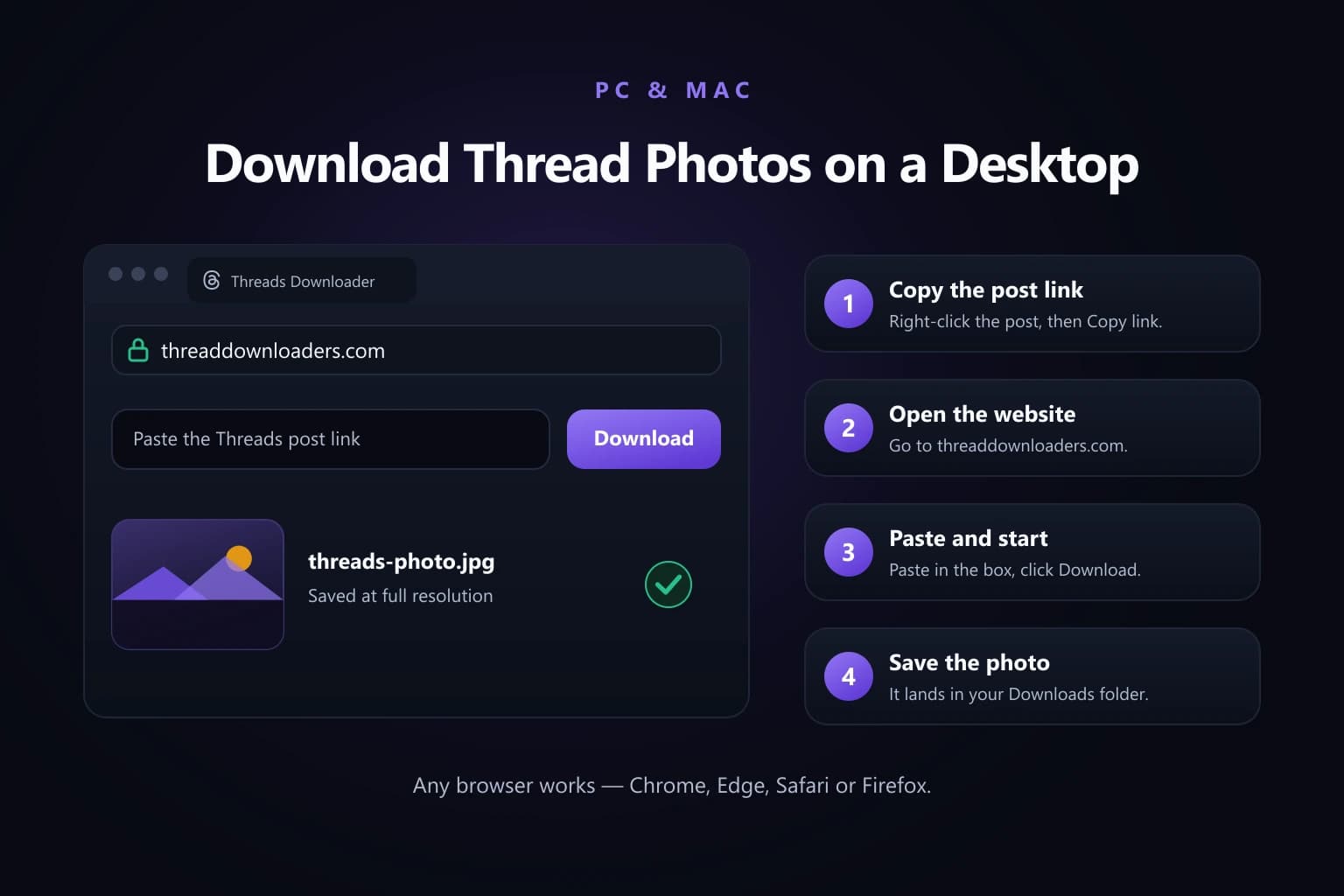
Desktop browser window running the Threads photo downloader beside four numbered steps for Windows PC and Mac
06 — How to Download Thread Photos on PC or Desktop?

On a computer the same link works in any browser, with no extension to install.

  • 01Open this secure tool through your desktop browser.
  • 02Copy the post URL and paste it into the tool.
  • 03Once the media appears, choose quality and format.
  • 04Tap Download button to save it into the default download folder of your PC.
076 records

Benefits of Threads Photo Downloader

Threads Downloader keeps users satisfied by introducing dozens of mind-blowing features. Some of its cool specifications are mentioned below.

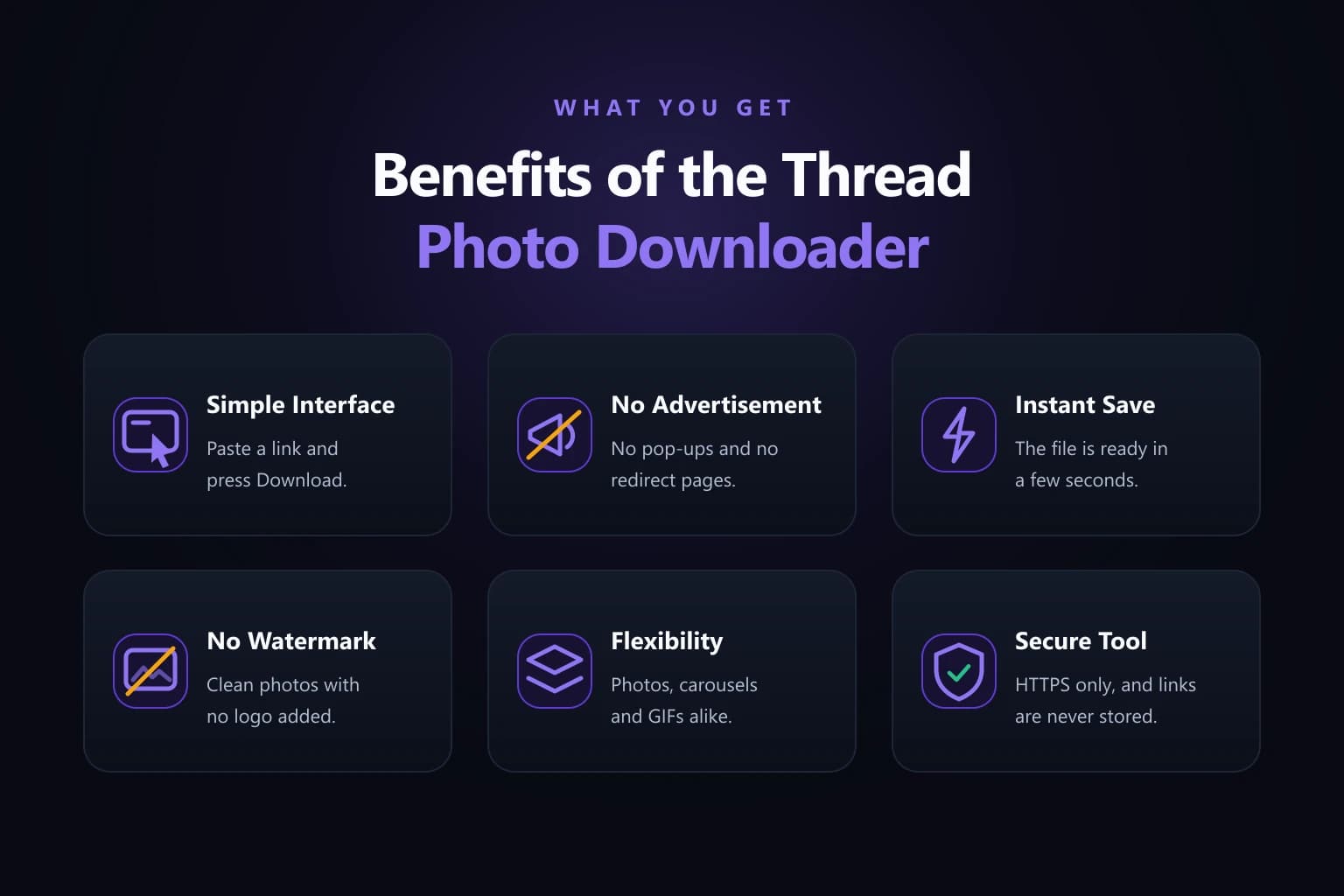
Six Thread Photo Downloader benefits shown as tiles: simple interface, no advertisement, instant save, no watermark, flexibility and secure tool
07
01

Simple Interface

Threads Photo Downloader features a friendly user interface. It keeps everyone satisfied by ensuring easy navigation. It eliminates the hassle of complicated steps with an intuitive interface, helping you to save desired content at fingertips.
02

No Advertisement

It's completely secure and comfortable to navigate on our website. You will never see ads, pop-ups or any disturbing stuff on it. Just open the tool and continue using our services without viewing intrusive ads.

03

Instant Save

It ensures quick processing by analyzing your link, generating media, to help you to save content with minimum time and efforts. It is light in size and ensures fast processing without requiring you to navigate through complex set-ups.

04

No Watermark

Now you can save threads posts without watermark or any kind of branding. It retrieves the media as it's available on threads, preserving the original media quality for better viewing.

05

Flexibility

Whether you're a researcher, marketer, writer, and social media professional seeking the best source for saving public threads. You are in the 100% right place because we allow you to save publicly available content in an instant.

06

Secure Tool

It's a secure online tool that ensures convenience with online usage. You don't need to input personal details on it. Just copy the URL and paste it into the tool to save media successfully.

084 records

Common Issues and Troubleshooting While Downloading Threads Photos

Sometimes you may face issues like invalid link, failed download, slow processing, poor image quality while downloading threads. Don't worry because we have quick solutions for all your browsers. Here we have a complete guide on some of the most common problems and their solutions.

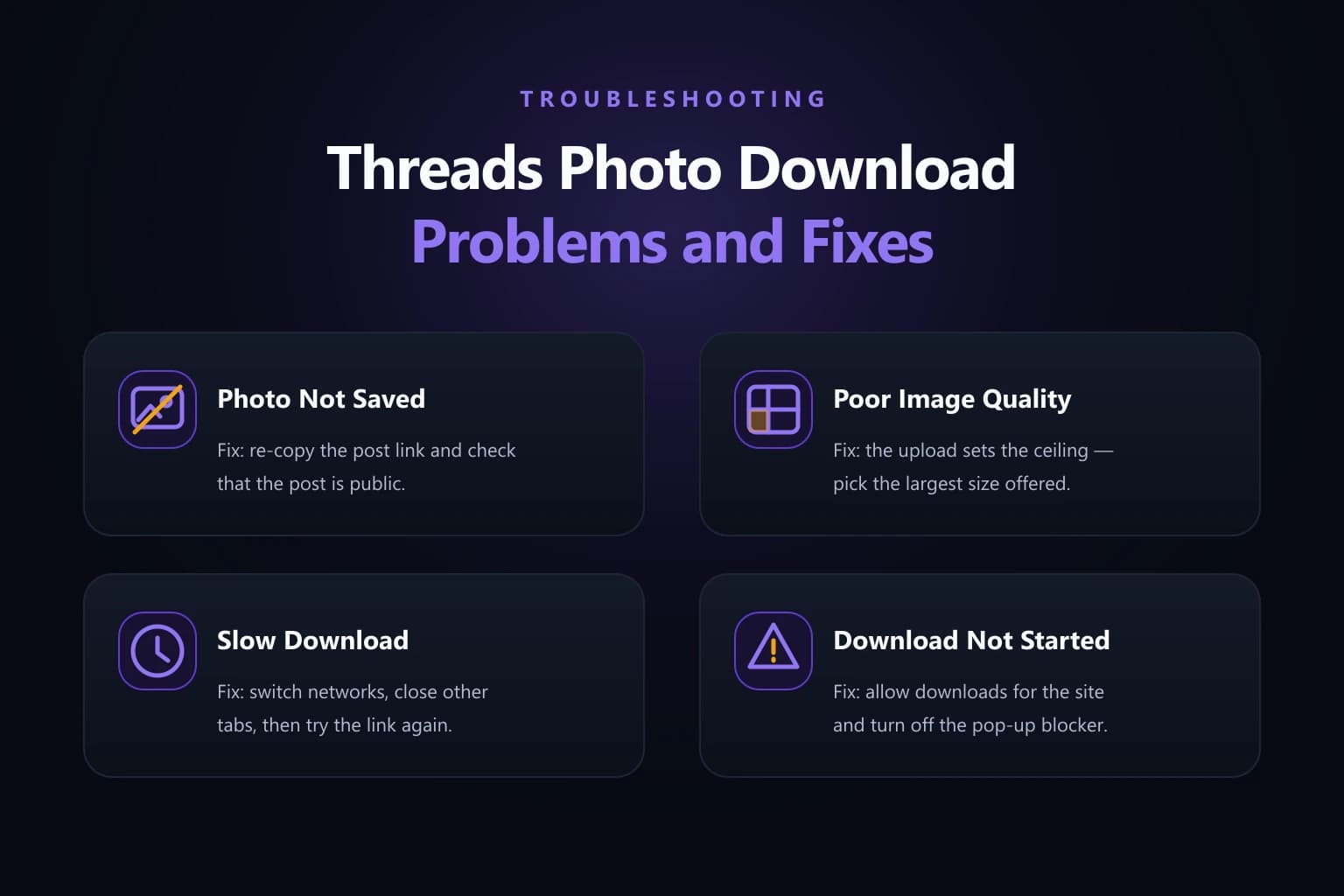
Four Threads photo download problems with their fixes: photo not saved, poor image quality, slow download and download not started
08
01 / Problem

Photo Not Saved

Solution
  • Locate the photo into your download folder.
  • Connect your device with a stable internet and download media again.
  • Recopy the valid URL.
02 / Problem

Poor Image Quality

Solution
  • Select high image quality while saving content.
  • You can only download an image in high quality if it's actually available in HD.
03 / Problem

Slow Download

Solution
  • Switch to a fast and stable wi-fi connection to enhance download speed.
  • Reduce image quality because large file size may take more time to download.
04 / Problem

Download Not Started

Solution
  • Clear your browser caches and redownload media again.
  • Refresh the main page to fix issues.
  • Avoid clicking too much on the download button.
10

Why Choose Threads Photo Downloader?

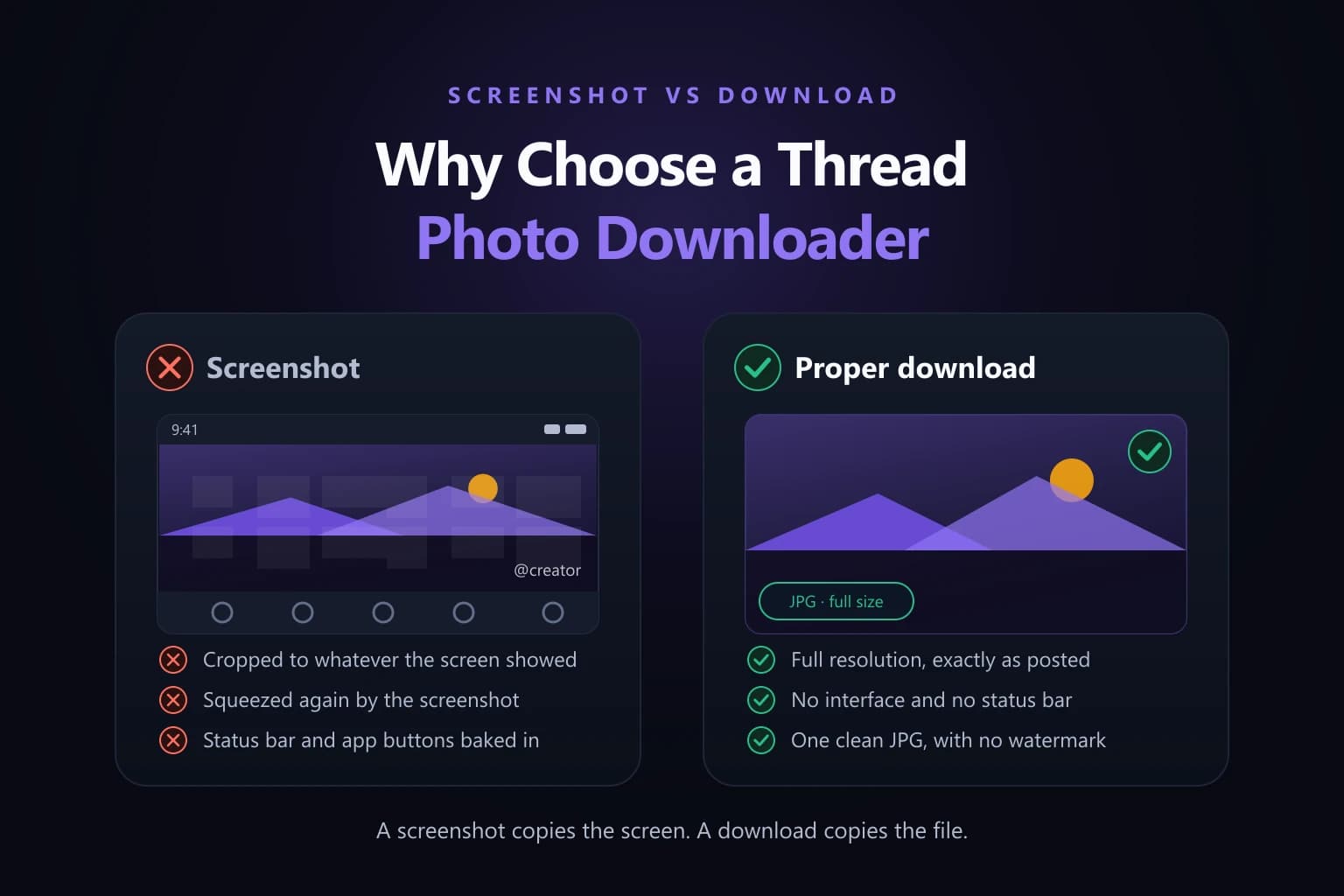
A screenshotted Threads photo that is cropped and compressed with interface text baked in, beside the same photo downloaded clean at full resolution
10 — Why Choose Threads Photo Downloader?

If you're still following the old tradition of taking screenshots to save thread posts. It often minimizes the photo, reduces the quality, and leaves UI texts or logos on the image. Do you want a safe, reliable, and user-friendly option to save your favorite threads photos, videos, and GIFs online for free? Choosing our free Meta Threads Downloader is an excellent source to download high resolution media.

It helps to save uncompressed files into one your desired resolution and format without restrictions. Whether you're a creator, designer, and everyday user who loves to save quality content for offline access and learning. Beyond this, this free threads Downloader ensures flexibility and convenience with better user privacy. It runs directly on the web, never asks for personal details, and processes URL for instant downloads for effortless experiences.

1110 entries

Thread Photo Downloader FAQs

01Can I download Threads photos without an app?

Yes, you can use our web based threads downloader by copying and pasting the link of threads into the tool for quick download.

02Does downloading notify the original poster?

No, downloading threads by using tools generally doesn't notify the creators.

03Can I download multiple thread posts at once?

Yes, you can use batch processing by pasting the link of a post with multiple images and videos to download instantly.

04How to copy the thread picture link?

You can open the thread post, tap on the share icon, and save the picture successfully.

05Can I save someone else's Threads photo to my camera roll?

Yes if the photo is publicly accessible or you have permission to download it. You can save it into your device.

06Why is the Threads Photo Downloader slow?

The tool may slow down due to internet connection, high server traffic, large image files, browser problems, or other issues.

07Is there an official way to download from Threads?

No, the official download button to save photos and videos from threads is not generally available.

08Do I need to have an account on Threads Image Downloader?

No, it's a browser based tool so you can continue on it without registration or login.

09What are the safety precautions before downloading a thread?

You should always use a trusted tool, avoid visiting third-party sites with suspicious pop-ups, and never input your personal details just for downloading a post.

10Will threads photo downloader save media in its original quality?

Yes, this smart tool helps you to save content in original quality without compression.

12

Save Full-Resolution Threads Photos in One Tap

Access Instagram Threads Video and photo downloader to save full-resolution photos, multi-image carousel posts, and memes. You need to open threads and paste media links. It will automatically fetch posts to help you to download instantly into your device without fees. It's usable on iOS, Android, Mac, Windows, and Linux for unlimited usage without any fees.